Lock manuals
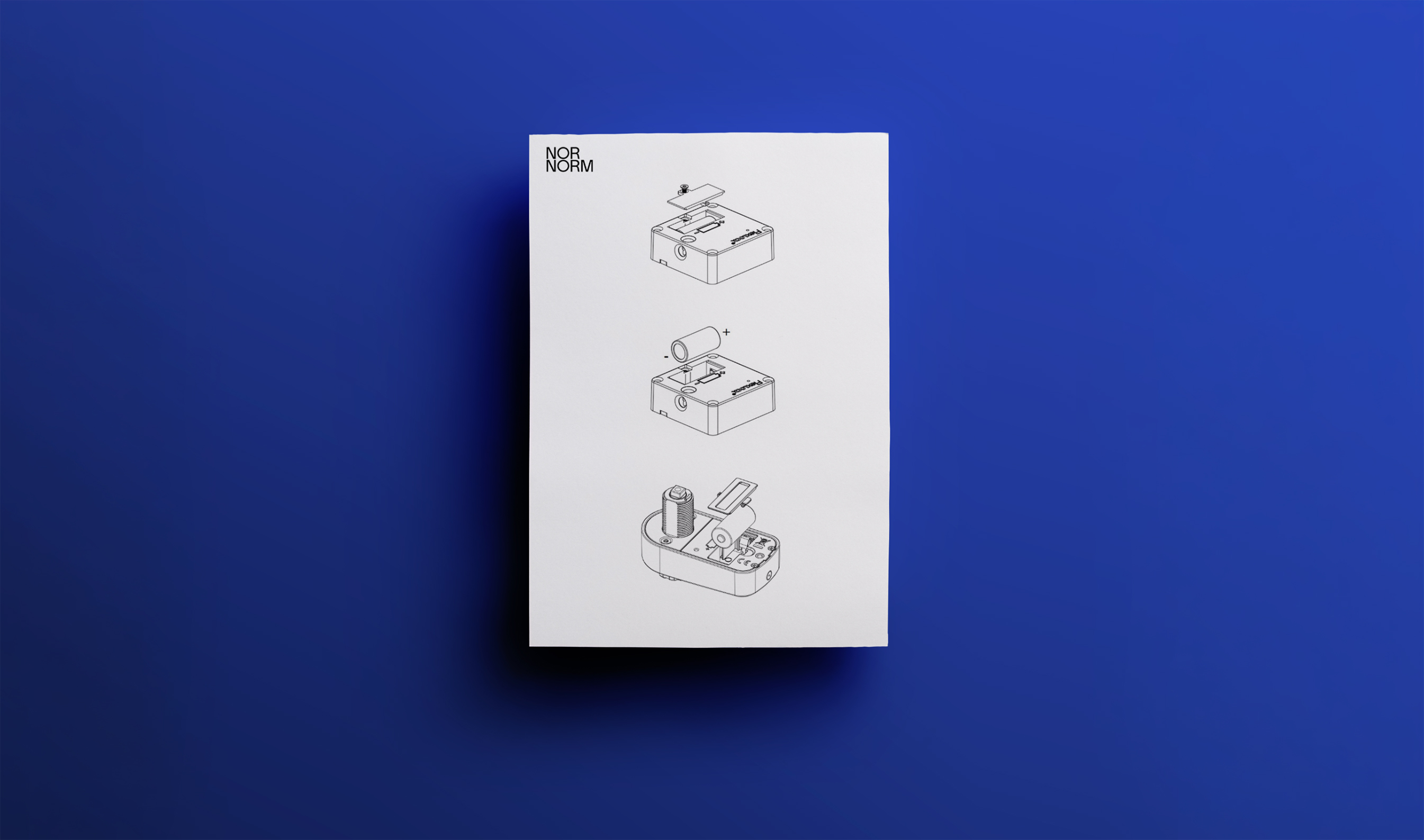
Table of Contents

Key Replacement
If you lose a key and wish to replace it, reach out to your NORNORM Customer Success Manager, and they’ll arrange for our supplier to ship a replacement directly to you. Please note that a 50 € replacement fee will be charged for each new key.
What our CSM will need from you:
- The serial number of the lock that you’re requesting a replacement for (not relevant for RFID locks, only for CAPA and COMBO cabinets)
- Total amount of keys you wish to order
- Your delivery details
Hive Cabinets
All instructions and guides related to your Hive cabinet products.
Battery Maintenance
When a lock runs low on battery, it begins to beep. When replacing batteries, make sure to purchase new CR123A battery types - the lock might malfunction if the wrong batteries are used.
Note: Do not close the storage unit until you have verified that the battery works. A lock without a battery or with a non-functioning battery may deadlock. Test that the lock works with the storage unit open!

RFID Masterkey
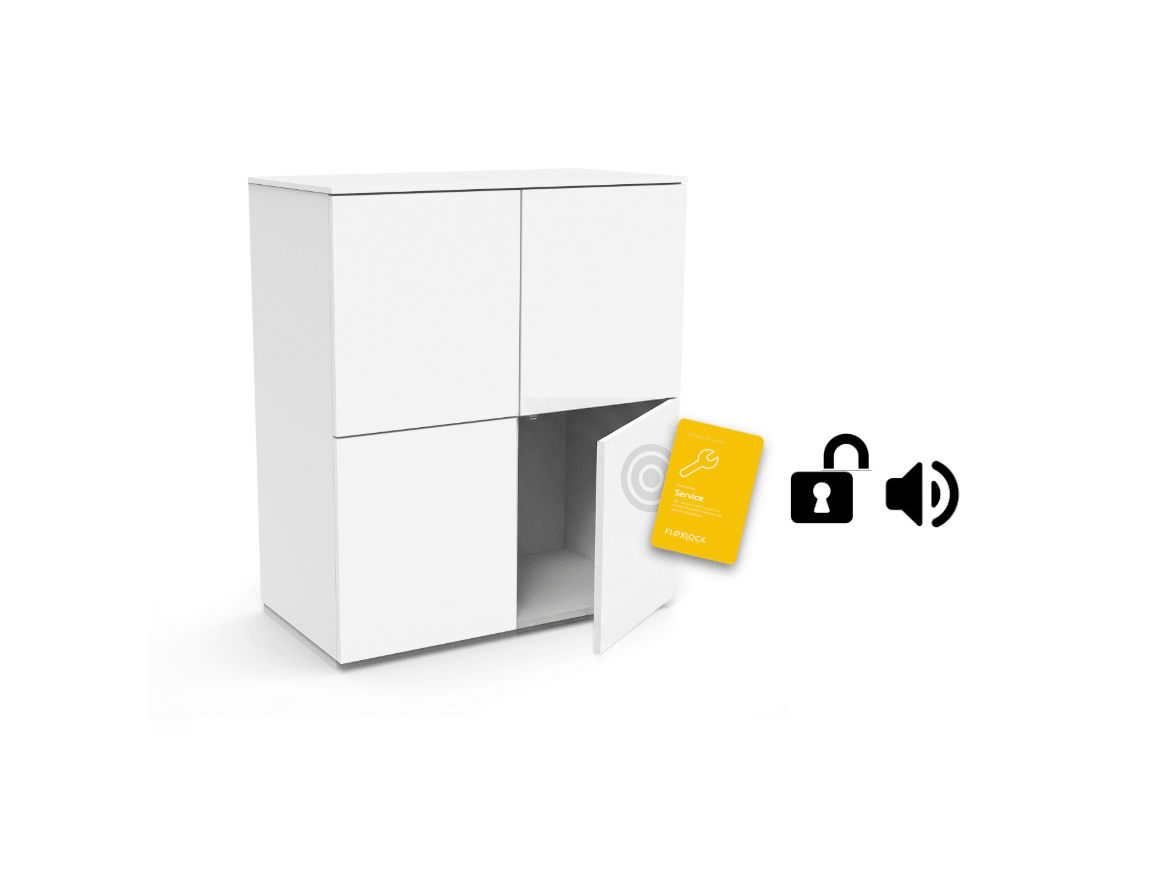
If you forget or lose your personal key, you can use the Master Key from your Circular Keykit to unlock any lock. Just hold it against the closed cabinet door and wait for a “beep” that indicates unlocking.
Lock Instructions: Any User
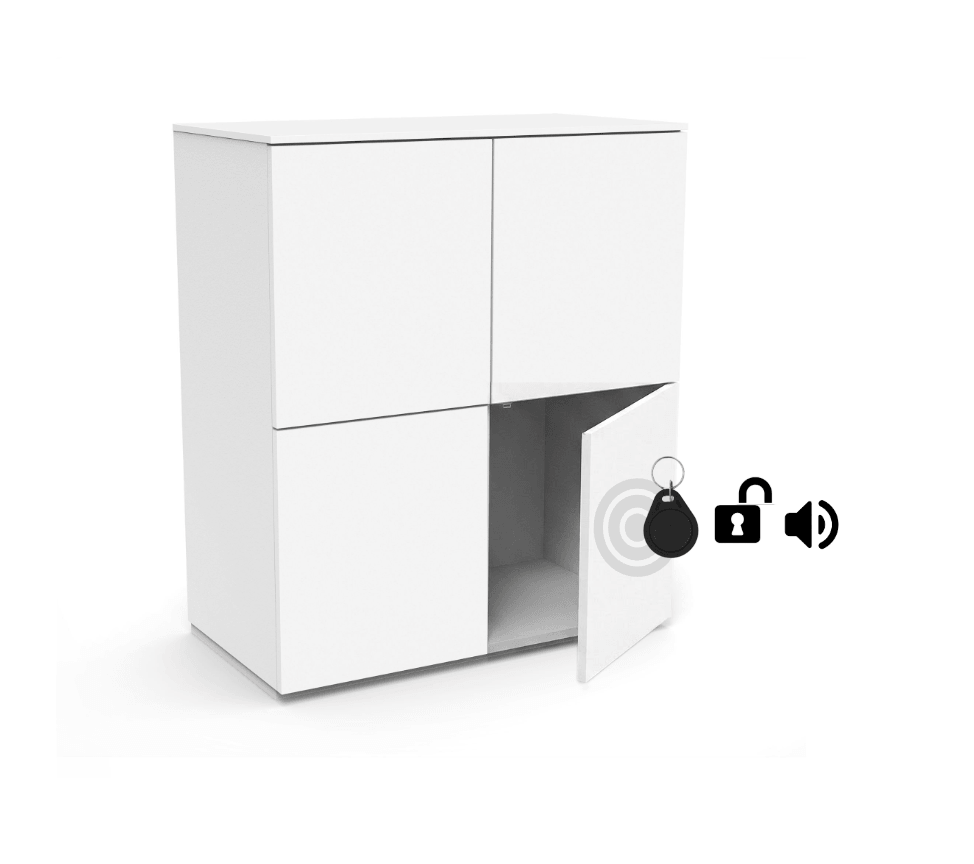
In Mode3: ANY USER, no specific user is linked to a specific lock. The lock is open until someone with a compatible RFID card or tag wishes to use it. The same RFID card or tag must always be used to unlock again, but once unlocked, the lock “resets” and is ready for a new user.
STEP 01
Access
Any RFID key presented to an open lock becomes the owner of the storage until the same key is used again to unlock it.

STEP 02
Lock
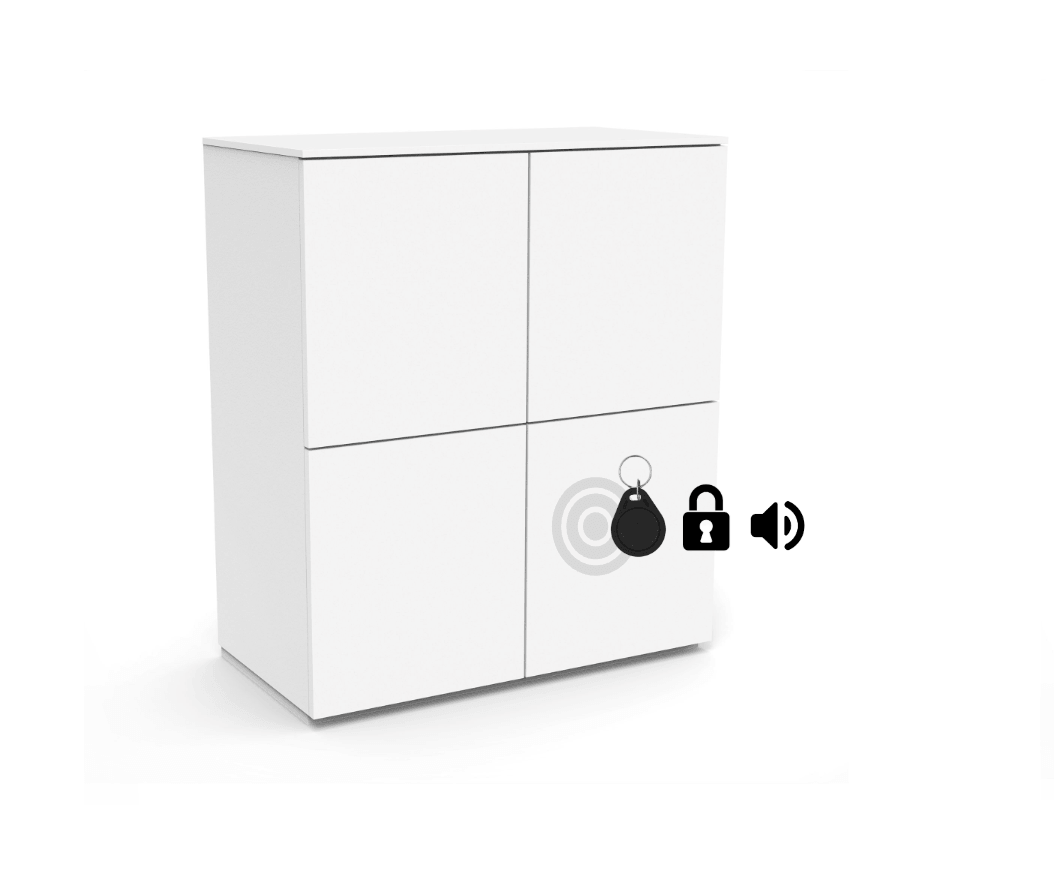
Hold your key against the closed cabinet door where the lock is placed. Wait for the “beep” that indicates locking.
STEP 03
Unlock
Use the same key as used to lock, and hold it against the closed cabinet door. Wait for the “beep” that indicates unlocking. The lock “resets” and is now ready to pair with either the same or new key.
Lock Instructions: Specific User
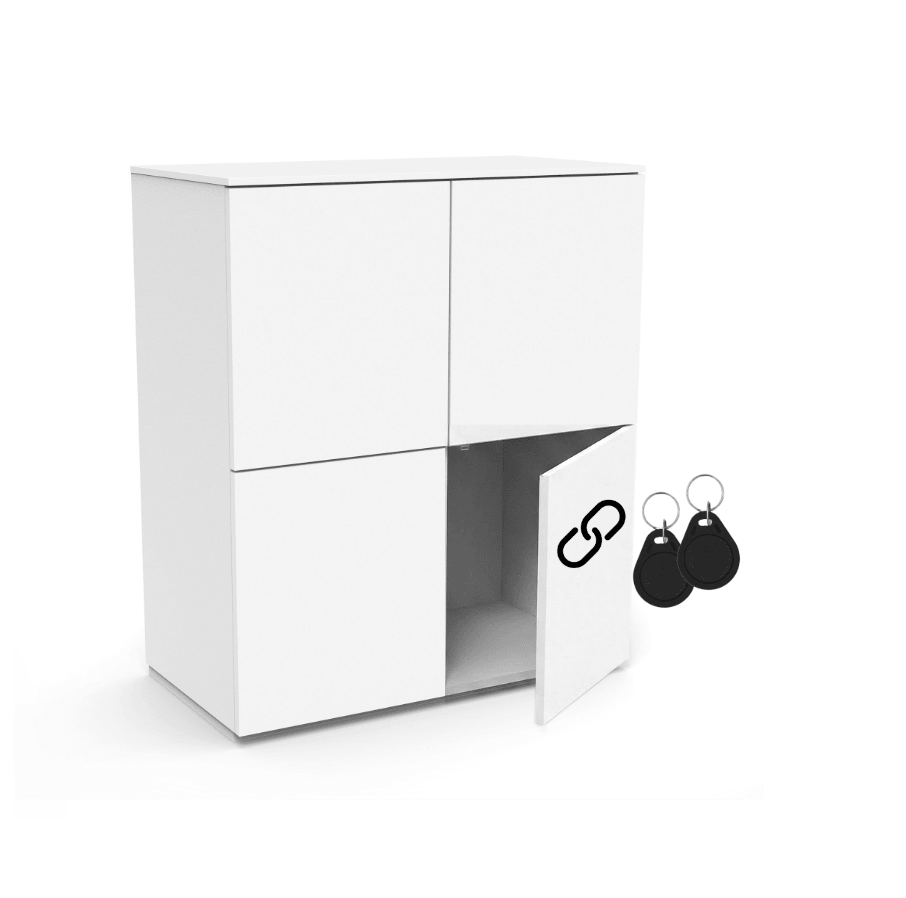
In Mode1: SPECIFIC USER, one or more users are linked to the same lock. The lock then functions as private storage for one person or a specific group of users throughout the whole installation.
STEP 01
Access
Employees need to be manually assigned to the lock. Only the assigned users have access to the lock, and you can share one lock up to 200 users. Once opened, the lock doesn’t reset, and will still only be linked to the userkeys from initial installation.
STEP 02
Lock
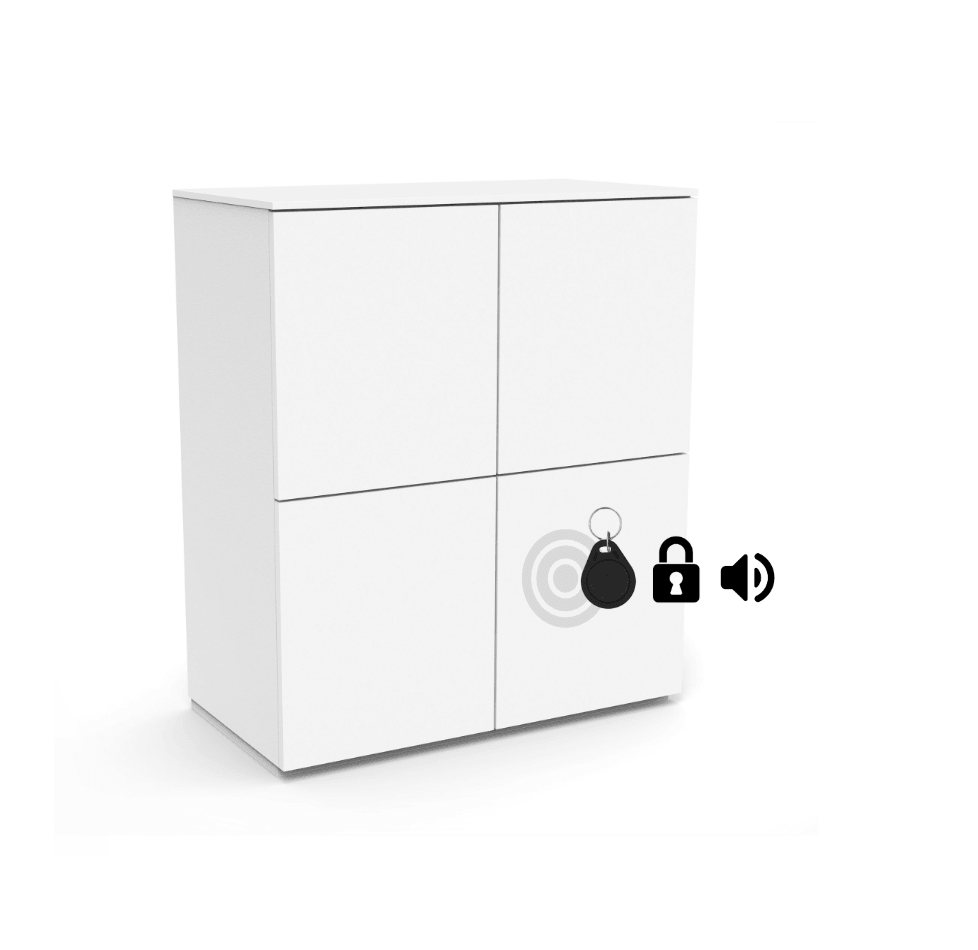
Use your chosen key option and hold it against the closed cabinet door, where the lock is placed. Wait for the “beep” that indicates locking. Any key linked to the lock at installation will be able to lock/unlock at any time.
STEP 03
Unlock
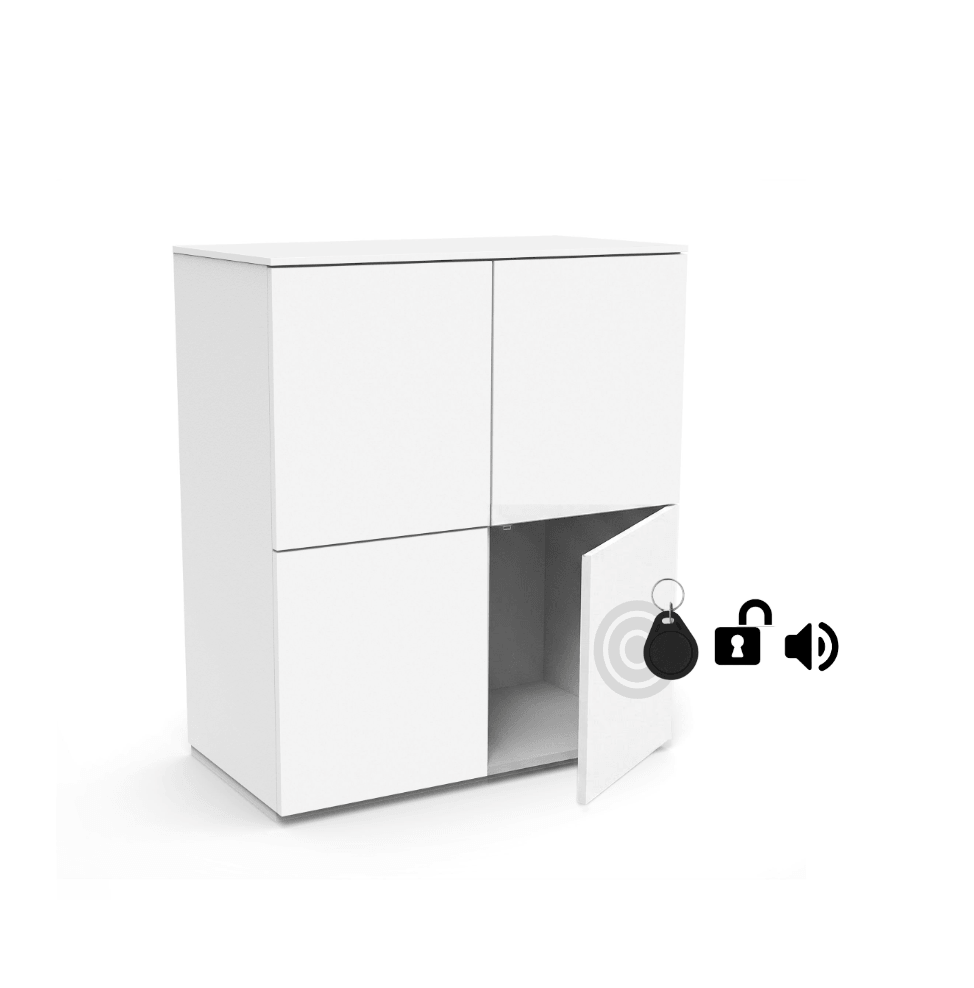
To unlock, use the same key(s) as used for locking, or any other key that have been linked at installation. Hold it against the closed cabinet door and wait for the “beep” that indicates unlocking.
CAPA Combination Lock
Instructions for how to use our CAPA Combination Lock cabinet.
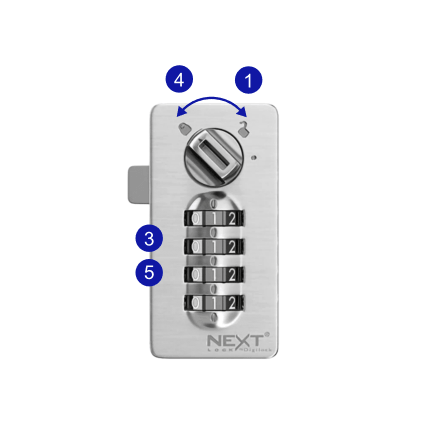
How To Lock
- Turn knob to “open
- Close the cabinet door
- Choose any 4 digit code, and turn the numbers to set the lock.
- Turn knob to “lock” position. The cabinet is now locked and set to your chosen code.
- To hide your code, scramble the numbers afterwards.
How To Unlock
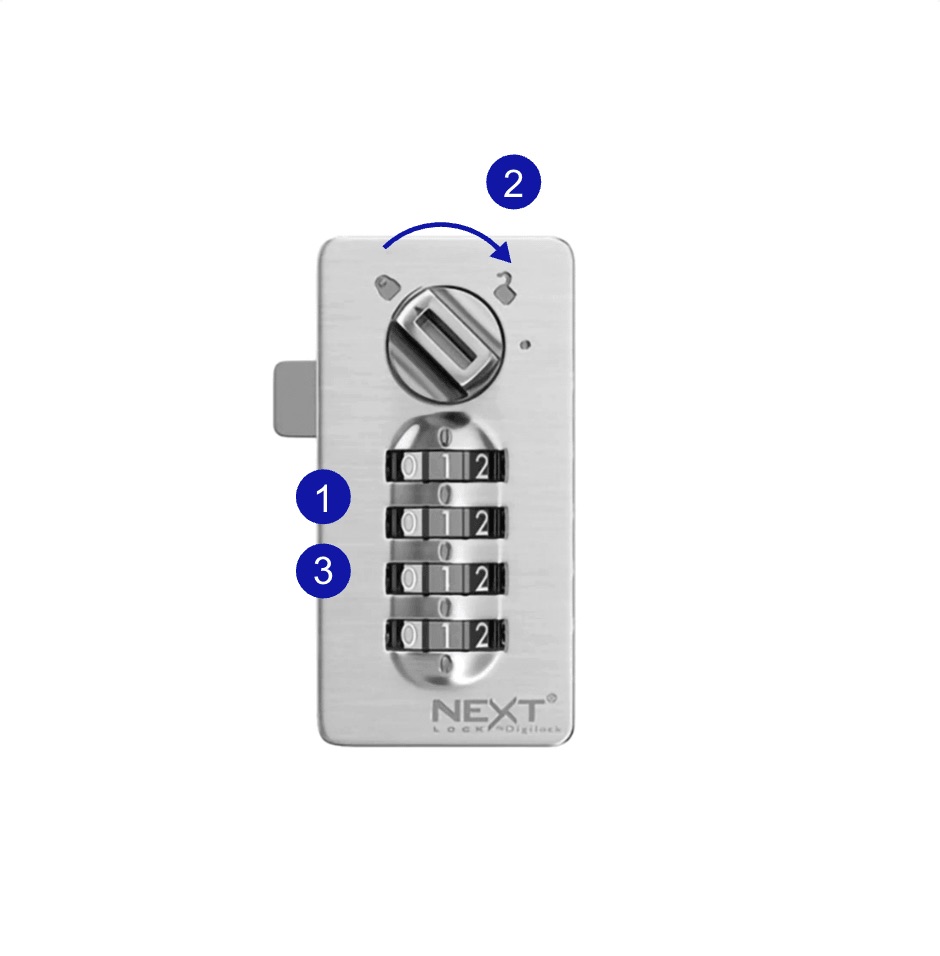
- Enter your 4 digit code
- Turn the knob to “open” position - now open the cabinet.
- To hide your code, scramble the numbers afterwards.
How to use the Masterkey
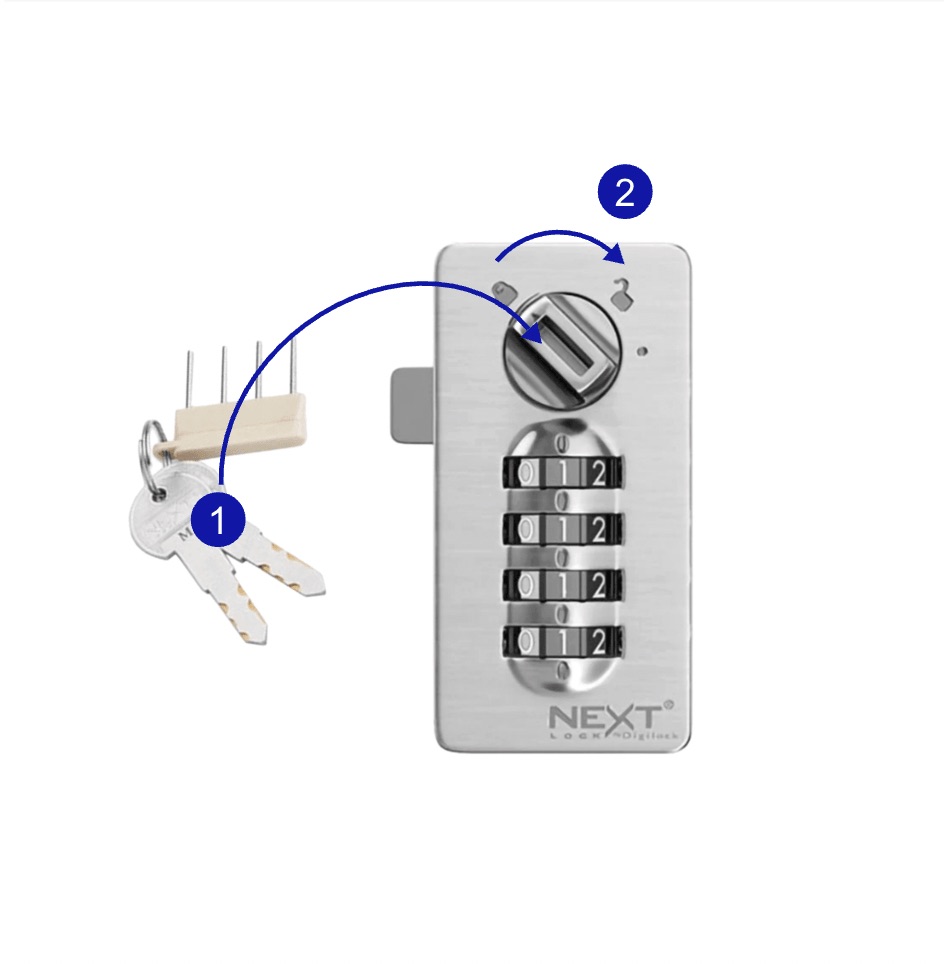
- Insert the masterkey
- Turn the knob to “open” position - now open the cabinet
Note: If you opened the cabinet by mistake, you can restore the initial code by turning the manager key back to “lock” position.
How To Reset Code
- With an open cabinet door, insert the manager key and turn to “lock position”
- Remove the master key again without closing the door
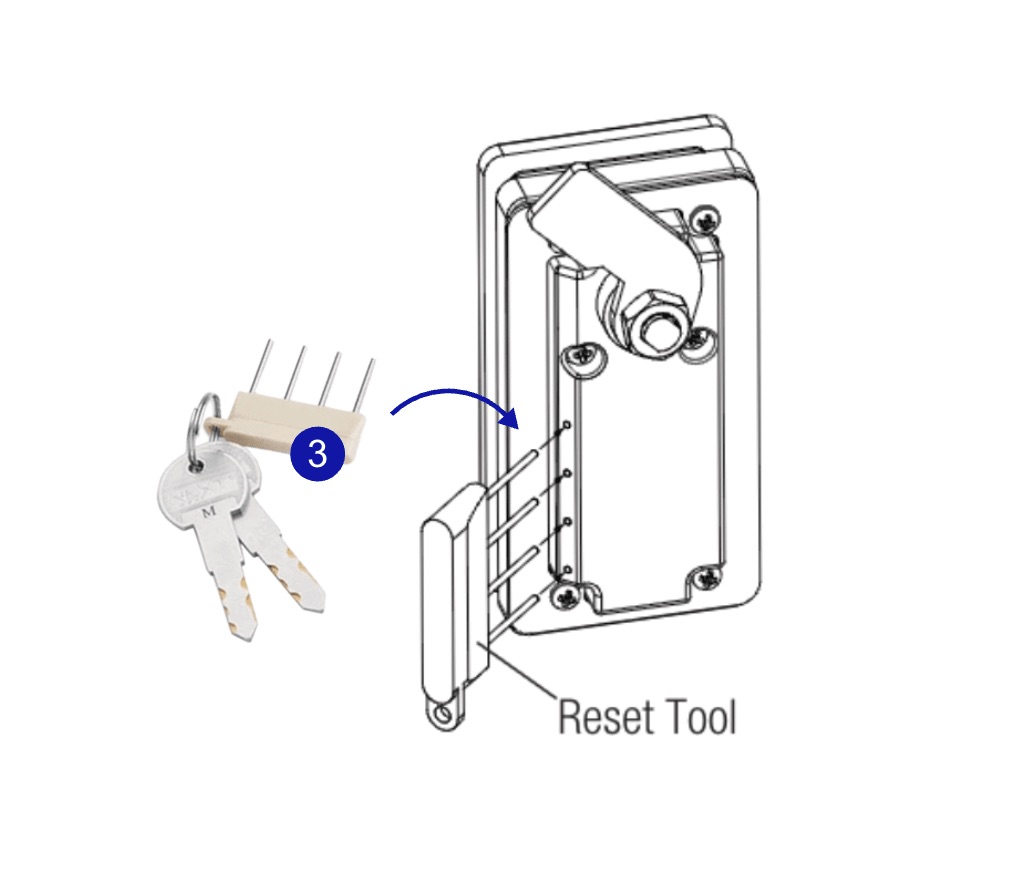
- Insert the reset tool on the back of the lock
- Push in the reset tool, and turn all the dials until they come to a stop. The numbers displayed after stop, is the current/last code used for the lock.
- Turn the knob on the front back to “open” position. It’s now ready for new first-time use